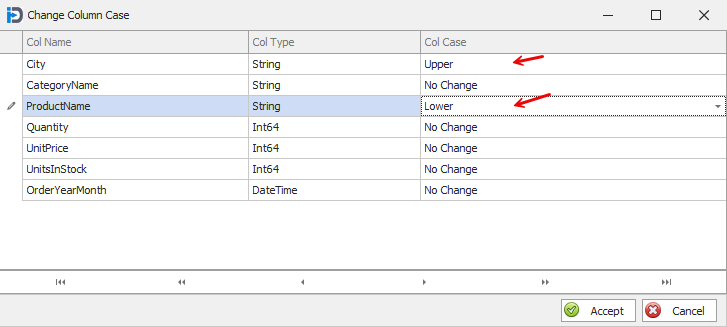
This data cleansing feature allows you to change the case of any string column.
You can change the case to Upper Case, Lower Case, and Proper Case.
When you choose this feature - you are presented with this screen. Here you can choose how you want to change the case of any string column. If you choose a non-string column - the program will provide you with a warning and refuse to change the case of that column.
When you are done with your selections - you can hit the Accept button to process the case changes
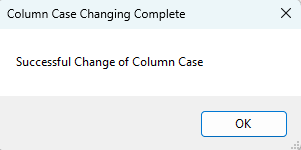
When the case changes are done - you will get the following completion message.
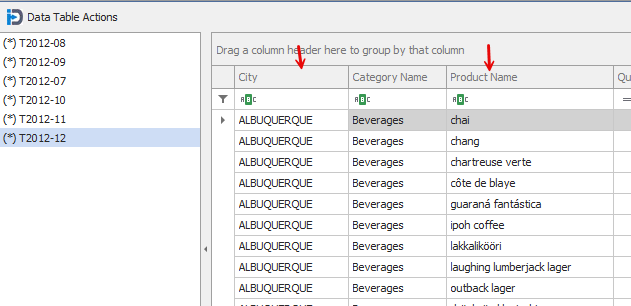
Below is a screen shot of what the data in your data table would look like after the requested changes in the first screen capture above.
Note the firs column (City) is all Upper Case - and the third column (Product Name) is lower case.